BookNgon
Stamps
1
TIER
Gold
MEMBER SINCE
2026
Scan to add to Wallet
Apple Wallet pass platform
Design a pass template in a live visual editor, issue passes to your customers, and let them install with a single scan. No mobile app to build, no pass.json to hand-write.
Bring your own Apple Developer Team ID and pass signing certificate.
Add to Wallet
Try it
Live enroll links you can install on an iPhone. Point the camera at a QR — or open the link on your phone — to add a real .pkpass.
Works best on an iPhone with Wallet. Android and desktop browsers can download the file but cannot install it.
Scan to add to Wallet
Scan to add to Wallet
Use cases
Store Card, Coupon, Event Ticket, Boarding Pass, and Generic — pick a style, lay out the fields, and issue.
Loyalty
Track stamps, points, or visits in pass fields and update them per customer as they earn.
Loyalty
Give members their tier, member number, and renewal date, ready in their Wallet.
Coupon
Issue redeemable offers with an expiry date and a scannable code, then void them once used.
Event
Hand out tickets with seat, date, and venue details, each with its own barcode.
How it works
Three steps, all in the dashboard. The only thing you bring is your Apple signing certificate.
Pick a pass style, set your colors, upload a logo and icon, and lay out the header, primary, secondary, auxiliary, and back fields. The preview updates as you type, and you can click any field on the card itself to edit it.
Issue a pass to a named customer with their own data, or mint a public enroll link so people can install one themselves — with an expiry date, a usage cap, and a revoke switch you control.
Search, sort, and page through every issued pass. Update a customer's details, void a pass, or re-download the .pkpass file. Your organization totals sit on the analytics page.
Features
Built around the parts of Apple Wallet you actually touch — and nothing you don't.
Front and back views with a flip preview. Click a field on the card to edit its key, label, and value, or delete it.
Background, foreground, and label colors, plus your own icon, logo, and logo text on every pass.
Choose the barcode format your scanners already read. Each pass carries its own serial number.
Generate a scannable, time-limited QR that drops the pass straight into a customer's Apple Wallet.
Let customers sign themselves up. Set an expiry, cap the number of uses, and revoke or re-enable at any time.
Issue passes from your own backend. Keys are shown once, tracked by last use, and revocable.
Developer API
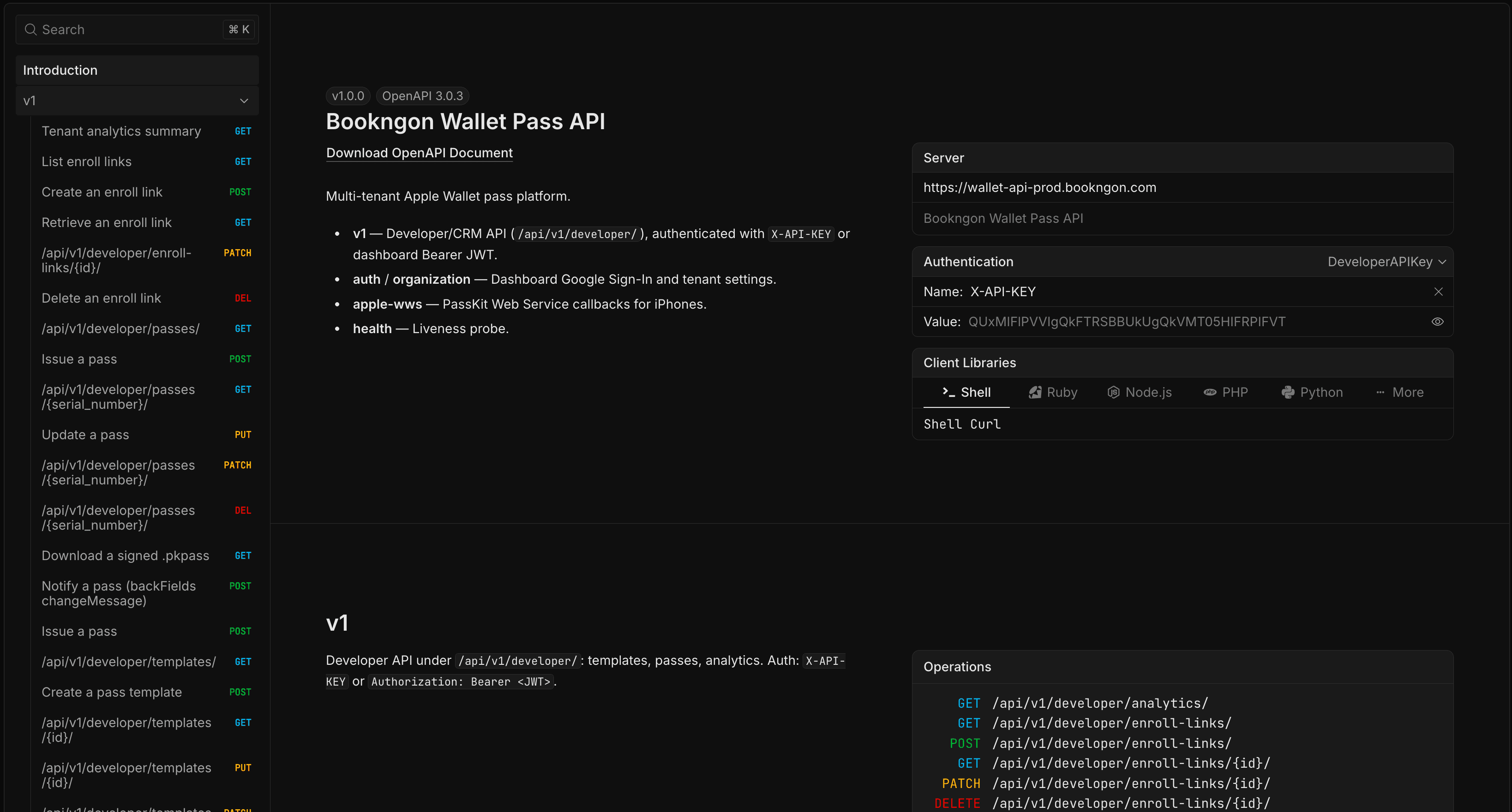
Browse the live OpenAPI contract, try requests with your API key, and wire enroll links or issuance into the systems you already run.
Interactive OpenAPI
Every Developer API path — templates, passes, enroll links, analytics — documented from the live schema.
Try it with your key
Paste an X-API-KEY and fire requests from the browser — same credential your server will use.
Curl-ready snippets
Copy client examples for Shell, Node, Python, and more, pointed at your workspace's API host.
FAQ
Sign in with Google and start from a blank template. We'll work out pricing with you — get in touch and tell us what you're building.